

For anyone who doesn’t want to be tied down to their desktop computer, remote desktop tools offer freedom at an affordable price. This is an invaluable service to any system support professional. Instead of driving into the office in the dead of night to fix a problem, you can simply use the remote-control function to save the day! Even if you’re not a techie, you can use this useful software solution.
Whether you’re on vacation or just around the corner, you never know when you might need to take a peek at a file stored on your home machine. If you’re in the market for a useful remote desktop tool, take a look at these feature-packed programs:
1. RealVNC: The Cross-Platform Solution
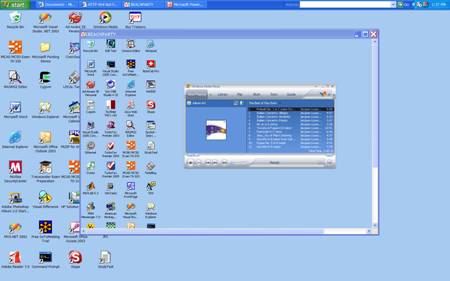
Once you install the VNC server portion of the RealVNC remote control solution on your desktop, you can control it from any other computer as long as both devices are connected to the Internet. The two computers don’t even have to run the same operating system! On the remote machine, you have the option of installing the VNC viewer software or using the browser-based Java viewer.
2. TeamViewer
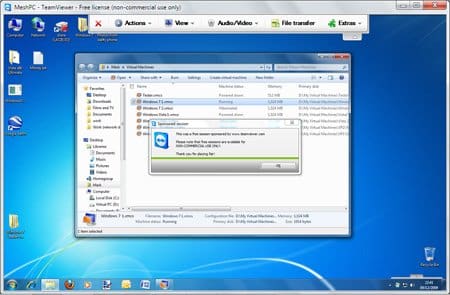
In mere seconds, you can connect to any PC or server anywhere in the world through the power of the Internet. Control the remote machine just as easily as if you were physically sitting in front of the keyboard.
3. Mikogo
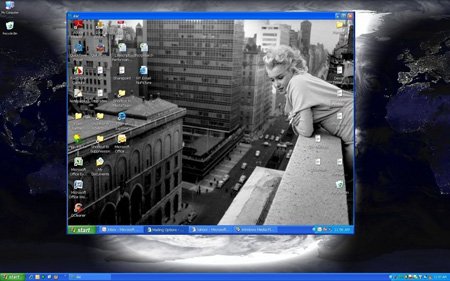
This is a great, easy-to-use remote desktop tool that allows both private users and businesses to set up online meetings, web conferences, and remote support sessions. With this tool, help is just a click away.
4. Remobo
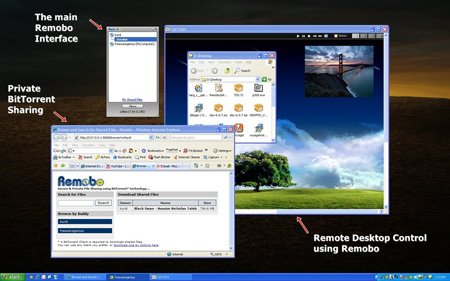
This remote desktop tool was designed with security in mind. As you connect to the remote machine, an Instant Private Network (IPN) is established to make sure that no one is listening in as you access sensitive information across the Web. This is a perfect solution if your work or personal machine includes any data that should be protected.
5. Ammyy Admin
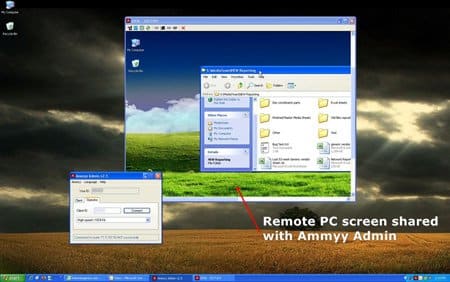
With no need for pesky installation or configuration, the Ammyy Admin remote access tool allows its users to offer help from a distance to anyone with an Internet connection. This tool is both reliable and user-friendly. If you need a way to offer remote assistance or remote teaching, this could be the perfect solution.
6. Windows Remote Desktop
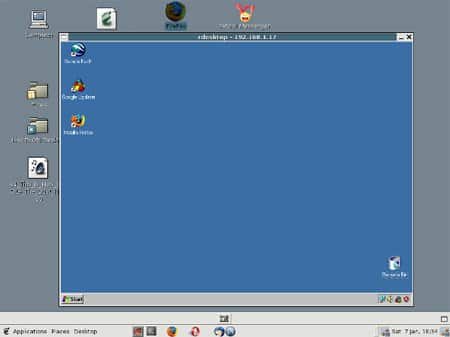
Use this software tool to connect to your desktop using a standard Internet connection from just about any device. From any computer, Smartphone, or Netbook, you can use Windows Remote Desktop to control the mouse and keyboard while viewing everything that is displayed on the monitor.
7. LogMeIn Free
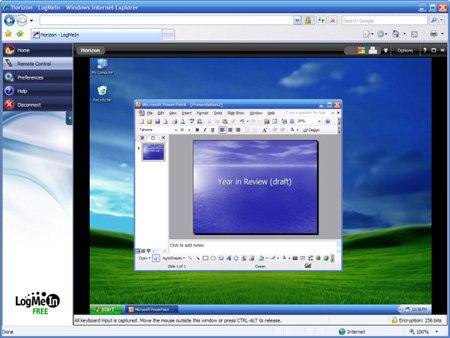
As long as your PC or Mac desktop has an active Internet connection, you can use LogMeIn Free to control it from anywhere in the world with another online device. View the screen, run a program, or open a file just as easily as if you were sitting at the keyboard. There’s nothing you can’t do from across town, or around the world, with LogMeIn Free.
Once you try a remote desktop tool, you’ll be amazed at how light and carefree your life becomes!
Mikogo is very popular in my working sphere. I won’t deny that there are well known Logmein and accessible free Teamviewer. But choosing between these programs : Logmein has lots of functions (you don’t even use part of it in work) but its too high priced in my opinion. Teamviewer’s free version is perfect for occasional use but has hiding price policy when it comes to professional version. Like it’s becoming more and more expensive with each upgrade.
I would also mention Techinline.Many of my colleagues including myself provide remote IT help with Techinline’s help. I love it for its low price for professional version:)
hope this helps!